Tempo and key
Changing the tempo doesn't change the pitch, and changing the key doesn't change the tempo. The stems and the metronome stay in sync at any setting. The controls are in the bar at the top of the mixer.
Tempo
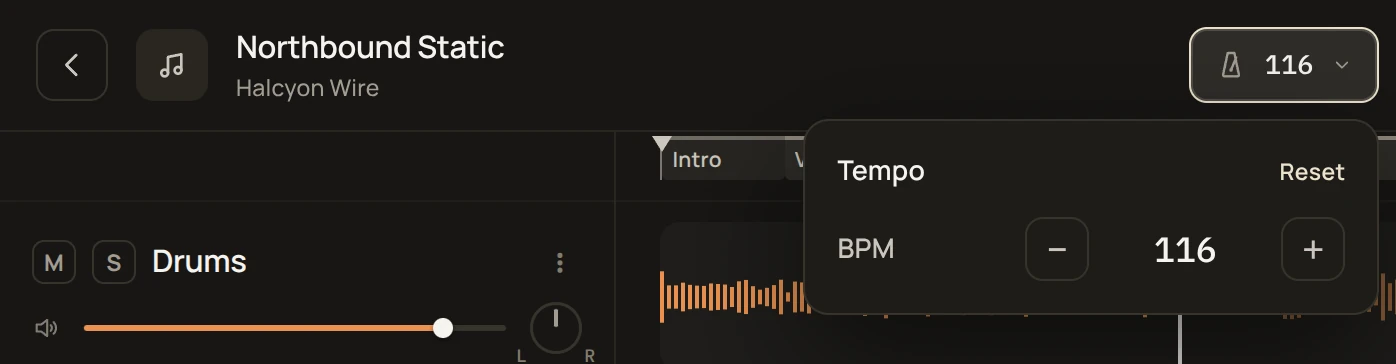
Slowing a song down is the easiest way into a part that's too hard to play at full speed. Get it right slowly, then raise the tempo a little at a time. The tempo goes from half to double the original, one BPM per step, and the metronome and count-in follow it.
Key
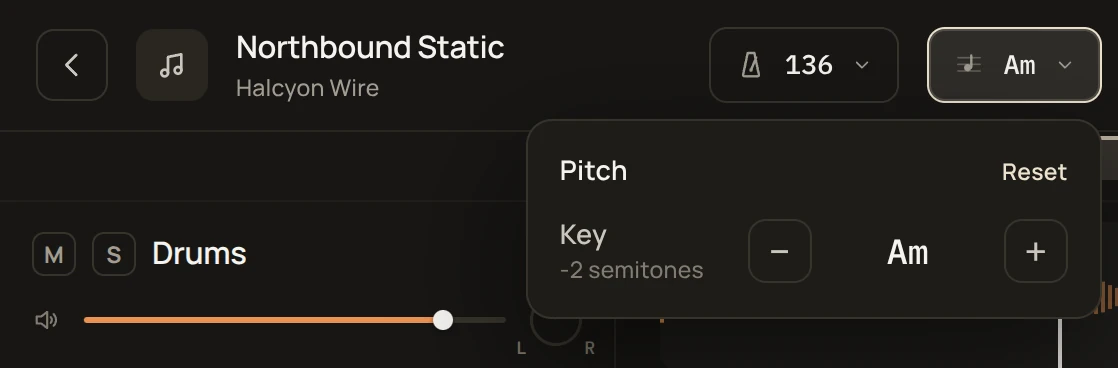
Changing the key helps when a song is played half a step down and you don't want to retune your instrument, or when the original key is too high or too low for your voice. The key moves a semitone at a time, up to 12 semitones in either direction.
Pitch correction
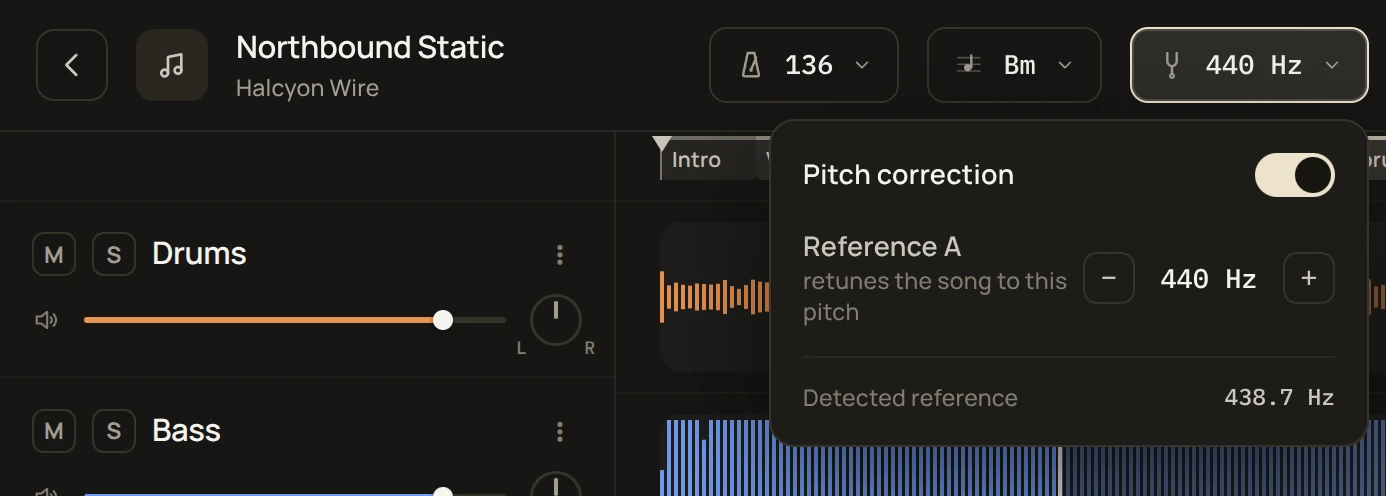
Pitch correction retunes a song that isn't tuned to standard pitch (A = 440 Hz). Old recordings made on tape are often slightly off because the tape ran a little fast or slow, and some songs are recorded at A = 432 Hz on purpose. If a song sounds a bit out of tune against your instrument even though you've tuned it, try turning pitch correction on.
The button shows the reference A in Hz, and Detected reference in its menu shows the tuning unmxr found in the song. Turn on Pitch correction and set Reference A to the tuning you want, between 415 and 466 Hz.
You can retune a song and move it to another key at the same time.