Stem separation
Stem separation splits a song into four tracks: vocals, drums, bass and other. In the mixer you can, for example, mute the bass and play along.
unmxr separates audio files on your computer with a small neural network bundled with the app.
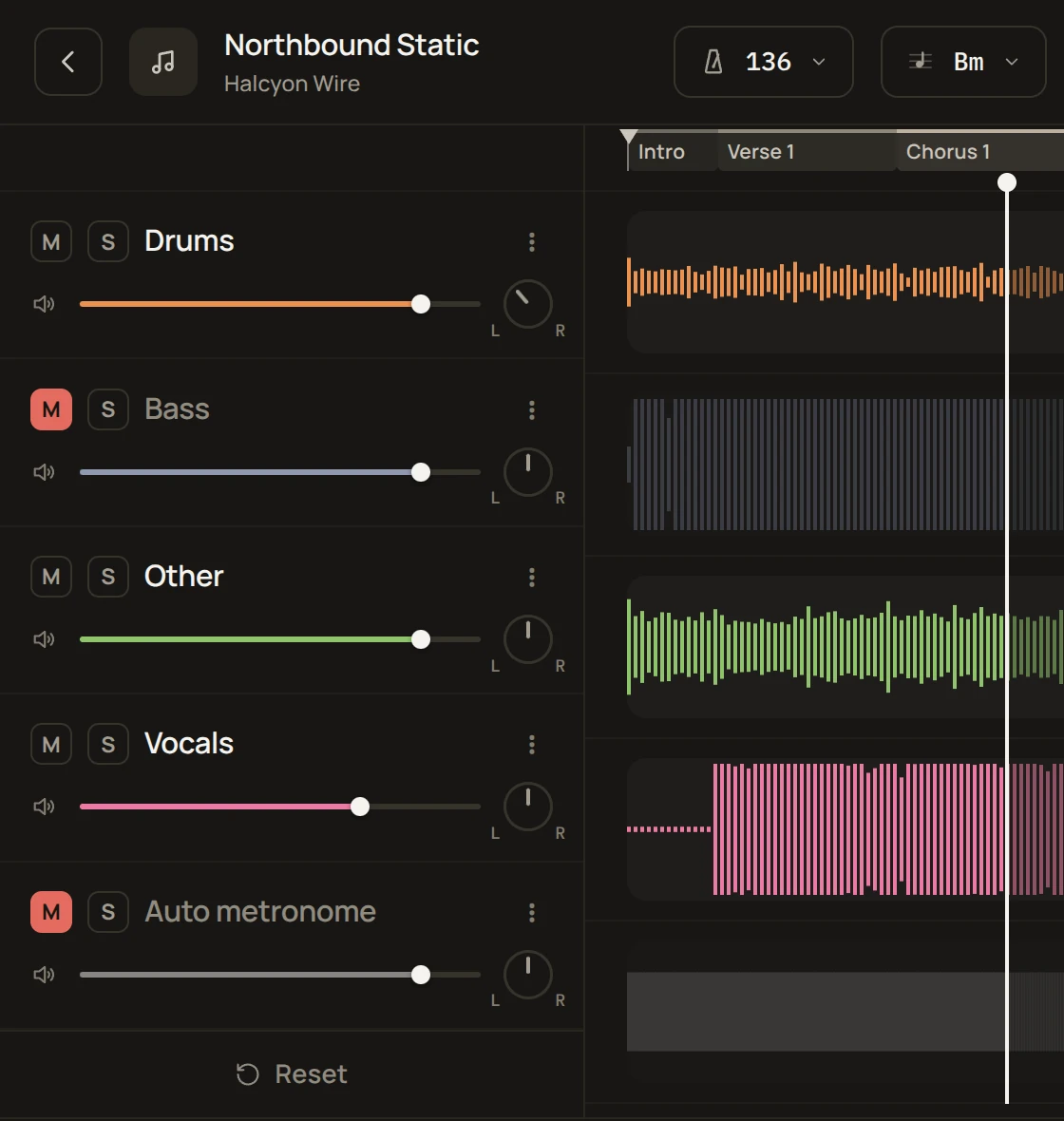
How it works
The neural network learned from a few hundred songs that were also available as separate vocal, drum, bass and other tracks, so it knows what each one sounds like inside a mix. It cuts your song into short slices and estimates how much of each pitch in each slice belongs to which stem. The stems are built from those estimates, so where instruments play in the same range at the same time, you may hear a bit of bleed or artifacts.
Separation quality
The stems aren't perfect, but in most cases they're good enough for a backing track. The model is small enough to run on your own computer, so don't compare it with the large models that need serious server infrastructure. Not needing servers is also what lets unmxr be free.
In Separation settings, Max quality runs a second pass for slightly cleaner stems and takes about twice as long.
Original track and phase invert
Turn on Settings → Mixer → Show the original track and phase invert to get an Original track with the whole song, muted at first, and a Ø (polarity invert) button on every stem.
Together they remove one instrument by subtracting it from the original recording. Unmute Original, turn on Ø for the stem you want to remove, and mute the other stems. To make the part quieter instead of removing it, set the inverted track below full volume.
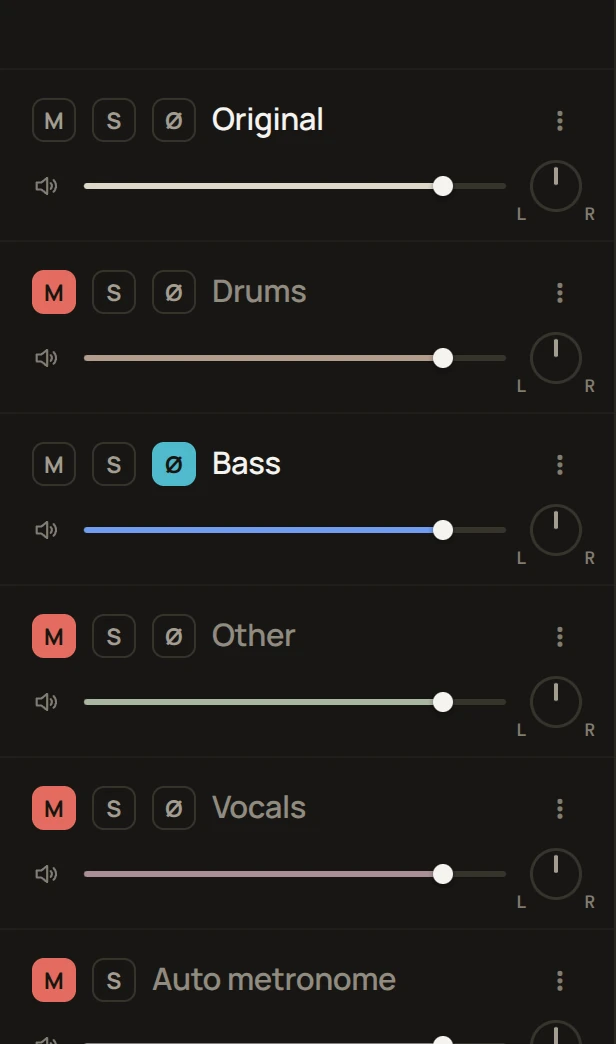
This is most useful when you want to take out a single instrument. When you mute a part in the normal mixer, you hear the errors of all the remaining stems added together. With phase invert, you hear the original recording with only one stem's error mixed in, so in theory it sounds cleaner.
This works best with FLAC or WAV stems. With Opus, the cancellation is slightly less clean.
Files
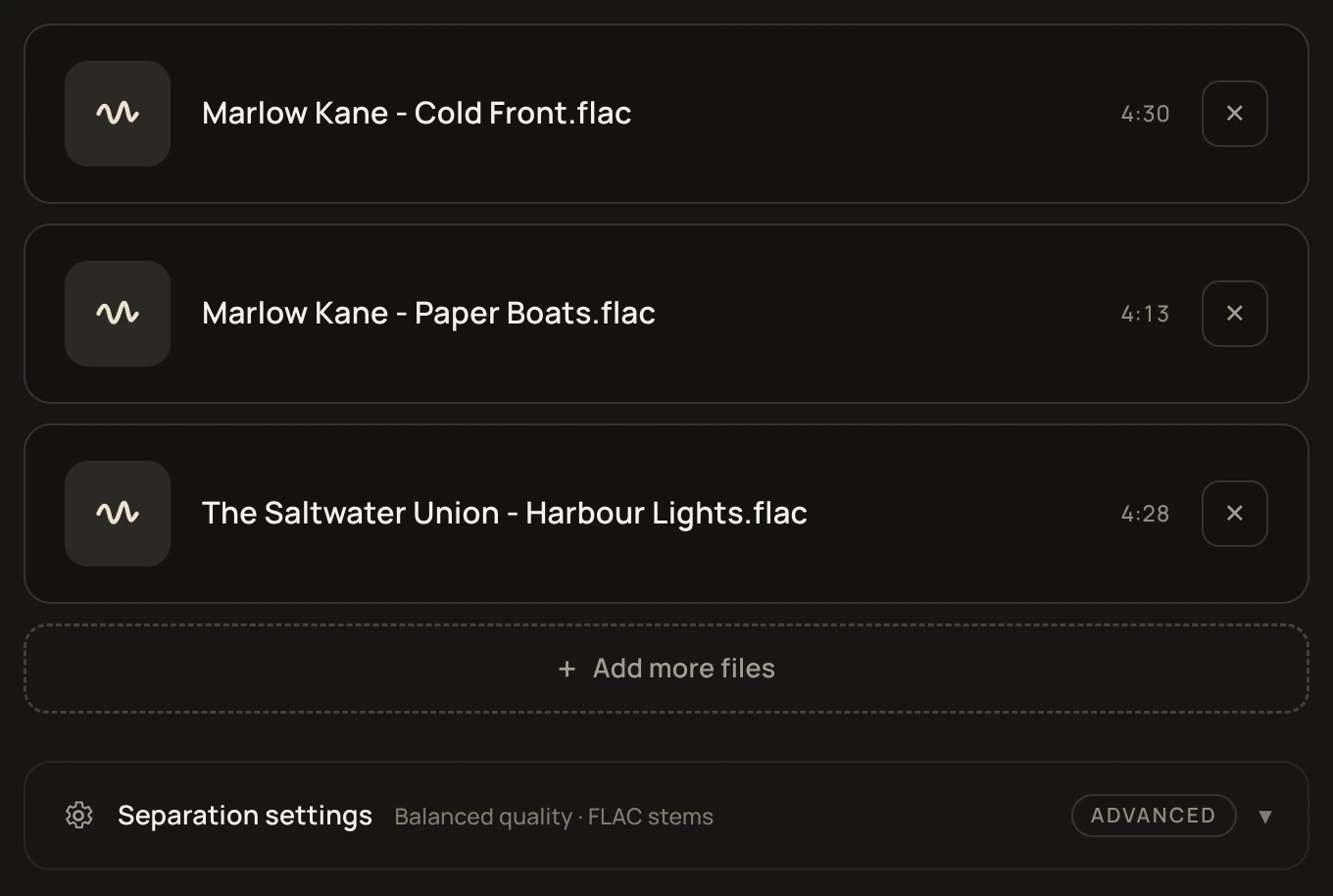
unmxr reads WAV, FLAC, MP3, Ogg Vorbis, Opus and MP4/M4A files, up to 15 minutes per song. You can add several songs at once, and they're separated one after another.
How long it takes
It depends on your hardware. On a modern computer a song takes a few minutes. Turn on Settings → While processing → Keep this computer awake so the computer doesn't go to sleep halfway through. The screen can still turn off.